
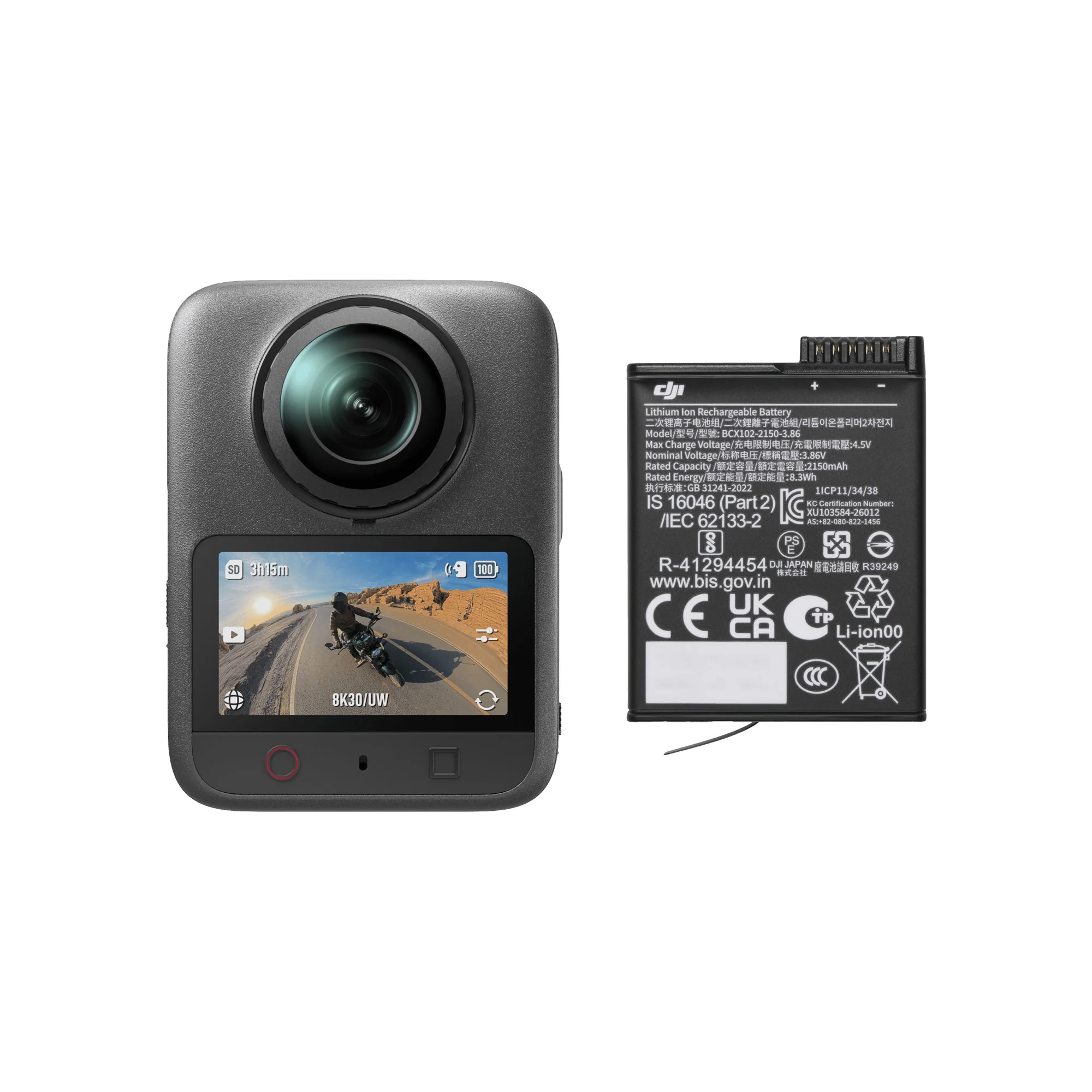
DJI Osmo 360 Standard
৳
৳
SAVE ৳
- 1-Inch 360° Imaging
- Native 8K 360° Video & Exceptional Low-Light Performance
- 4K/120fps & 170° Boost Video
- 120MP 360° Photo
- Osmo Magnetic Quick-Release Ecosystem
- 100-Min 8K/30fps Continuous Recording
- 10-bit & D-Log M Color Performance
- OsmoAudio™ Direct Microphone Connection
Warranty :
DJI Official 1 Year Warranty
Distributor :
DJI Authorized Dealer
Brand :

Estimated Delivery :
Dhaka inside 24 hr | outside 24-48 hr
Native 8K 360° Video
Osmo 360 is DJI's first camera to offer native 8K/30fps 360° video with large 2.4μm pixels. With an impressive 13.5 stops of dynamic range, it captures sharp, vibrant footage—even in high-contrast scenes like city nights or during sunrise and sunset. And with support for ultra-high-spec 8K/50fps 360° video, Osmo 360 sets a new standard for 360° cameras.
4K/100fps High-Frame-Rate 360° Video
Capture every split-second in stunning detail with Osmo 360's high-frame-rate 4K/100fps 360° video. Enjoy ultra-smooth, fluid visuals, and unlock up to 4x slow motion to make those fleeting, awe-inspiring moments last even longer.
10-bit & D-Log M
Every video format on Osmo 360 supports 10-bit color depth, capturing over a billion colors for incredibly rich and lifelike footage. Switch to D-Log M mode to unlock an even wider dynamic range, preserving more detail in both highlights and shadows. This gives you greater flexibility in post-production and opens up endless creative possibilities.
Stunning Low-Light Performance
The innovative square sensor design enables dual 1-inch 360° image fields, while the large f/1.9 aperture dramatically increases light intake. Even in low-light settings, you'll capture crisp, detailed footage with flagship-level quality. Activate SuperNight mode to reveal every nuance of the night and bring breathtaking nighttime scenes to life.

120MP 360° Photo
Freeze the real world in 360° with a single press. Osmo 360 lets you capture ultra-clear 360° photos at up to 120 megapixels (16K), revealing razor-sharp detail and a sweeping field of view. Step inside every shot and experience true immersion like never before.
Invisible Selfie Stick
Pair Osmo 360 with an invisible selfie stick and watch it vanish from your 360° videos—no editing needed. Effortlessly capture incredible third-person views, as if you've got your own cameraman following you, always ready to catch every epic moment from the ideal angle.
Selfie Mode
With Selfie Mode, you can export wide-angle videos with the invisible selfie stick effect—choose from 4K/60fps, 3K/120fps, or 2K/240fps. Whether you're after ultra-smooth, high-frame-rate selfies or stunning slow-motion shots, every moment truly stands out.
Single Lens, Endless Possibilities
Osmo 360 isn't just about breathtaking 8K 360° footage. With a quick switch, it transforms into a first-person, ultra-wide-angle action camera—ready to capture every adrenaline-fueled moment. It's also your go-to companion for vlogging, making creative shooting effortless and fun.

First-Person Action Camera
In single-lens mode, capture crisp 5K/60fps flat videos with a sweeping 155° ultra-wide angle. Switch to Boost Video mode for an even broader 170° field of view and buttery-smooth 4K/120fps footage. Experience next-level clarity and coverage—Osmo 360 sets a new benchmark for single-lens video performance.

The Ideal Vlogging Companion
In single-lens mode, effortlessly switch between the front and rear lenses, without ever stopping the recording. Capture every angle on the fly and keep your creative momentum going—so your best vlogging moments come together in one seamless take.
Small Size, Big Performance

183g Compact Design
With its advanced stacked design, Osmo 360 packs two large 1-inch 360° imaging lens modules into an ultra-compact body, weighing just 183 grams.

100-Min 8K/30fps Continuous Recording
A high-performance imaging chip paired with an advanced thermal design enables continuous 8K/30fps recording for up to 100 minutes, so you never miss a moment. Up to 190 minutes of continuous recording can be achieved when capturing 6K 360° video.

105GB Built-in Storage
Leave your microSD worries behind—105GB of built-in storage means you're always ready to create, wherever inspiration takes you.
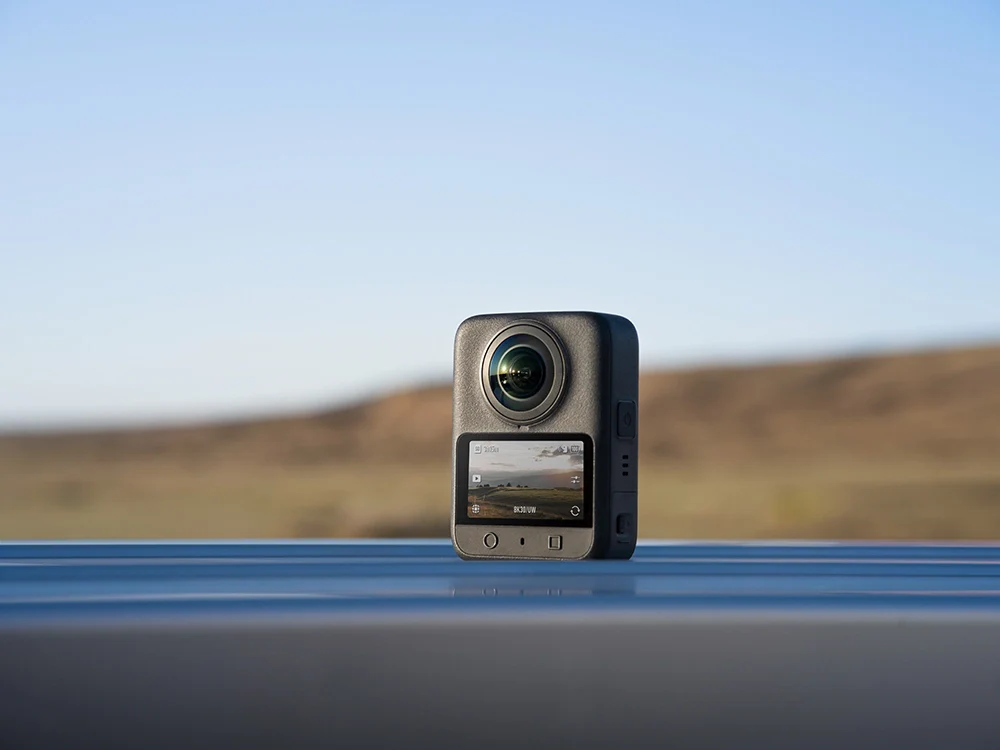
High-Speed Transfer
Wi-Fi 6.0 and USB 3.1 support enable wireless transfers at up to 90 MB/s and wired transfers to your computer at up to 600 MB/s, so you can handle massive footage with ease.

Stereo Recording
Featuring four built-in microphones, Osmo 360 captures immersive stereo sound from all directions. It supports both Mono and Stereo modes, with advanced wind noise reduction for clear recording even in windy conditions.
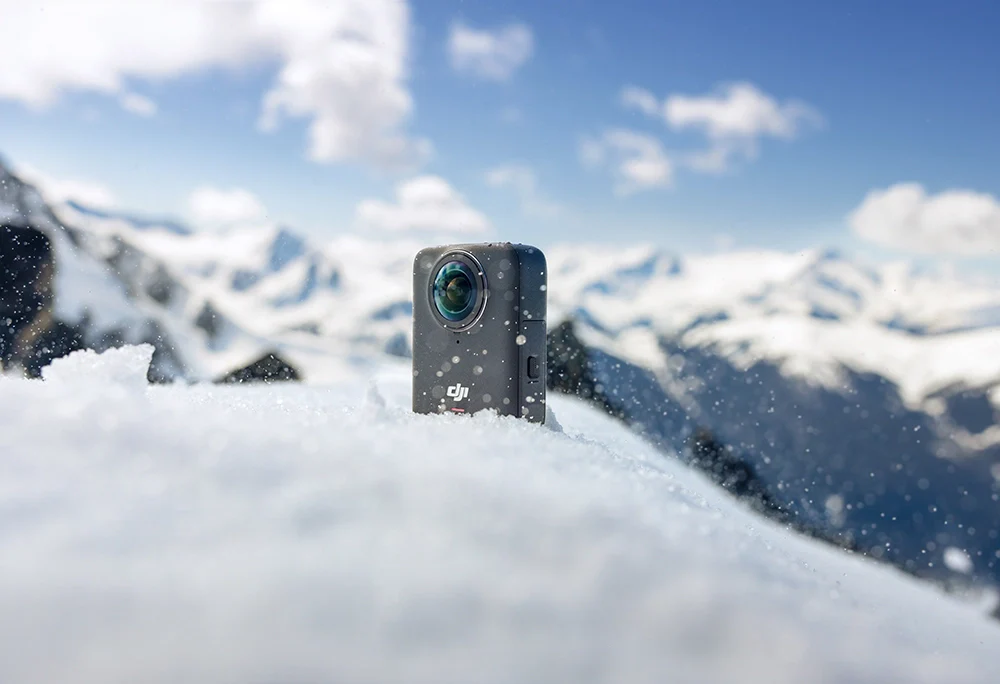
Adventure-Ready: Waterproof & Cold-Resistant
Osmo 360 is built to thrive in extreme conditions, recording for over 1.5 hours even in temperatures as low as -20° C (-4° F) [10]. With IP68 waterproofing, it's ready for underwater action up to 10 meters without a case .
360° HorizonSteady & RockSteady 3.0
HorizonSteady not only effectively reduces shake but also corrects horizontal tilts within a 360° range, handling intense bumps and rotations effortlessly. In single-lens mode, RockSteady 3.0 effectively reduces shake while retaining the dynamic impact of motion, delivering a more immersive first-person perspective.
Empowered by the DJI Ecosystem

Osmo Magnetic Quick-Release Ecosystem
Osmo 360's magnetic quick-release design is fully compatible with Osmo Action series accessories, and its 1/4" thread hole makes it easy to connect to standard gear. Pair it with the Invisible Selfie Stick and Adjustable Quick-Release Adapter Mount to effortlessly switch between immersive 360° shots and single-lens selfie vlogging.
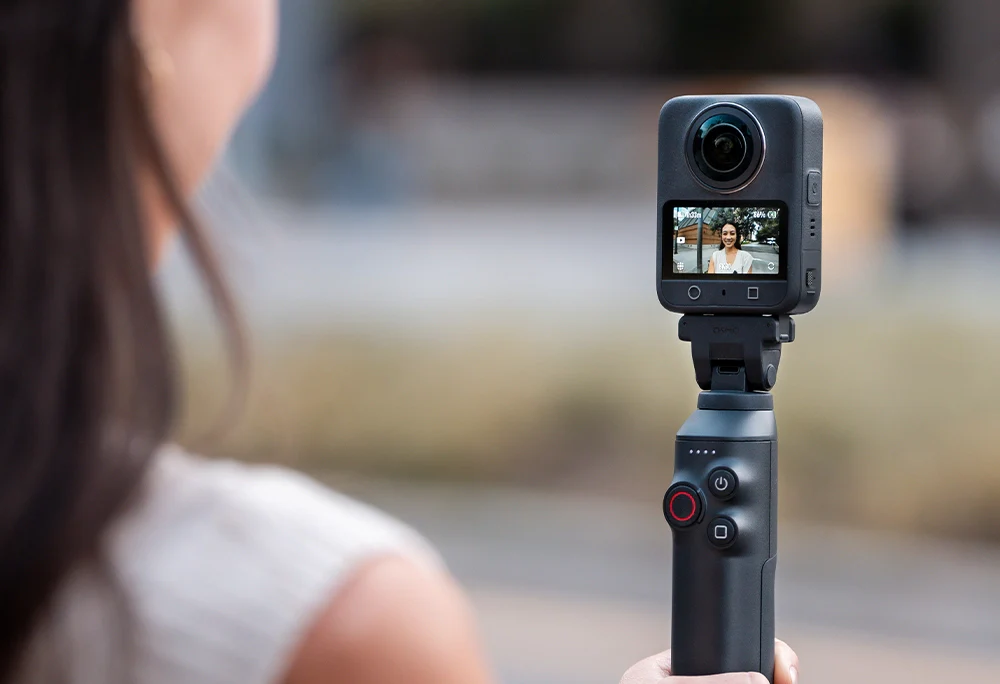
Effortless Magnetic Charging
Osmo 360's built-in charging contacts snap effortlessly to the Battery Extension Rod, giving you up to 180 extra minutes of 8K 360° recording—ideal for extended adventures. The Battery Extension Rod also puts sleep, wake, and shooting controls right at your fingertips, giving you more creative freedom than ever.

OsmoAudio™ Direct Microphone Connection
Osmo 360 can connect directly to two DJI microphone transmitters without a receiver, capturing ultra-high-sampling-rate audio and recording both you and your partner's voices with studio-quality clarity. Additionally, with Built-in Mic Audio Backup enabled, Osmo 360 simultaneously records ambient sounds, adding a richer layer of authenticity to your video.
Practical Features, Enhanced Performance
Gesture Control & Voice Control
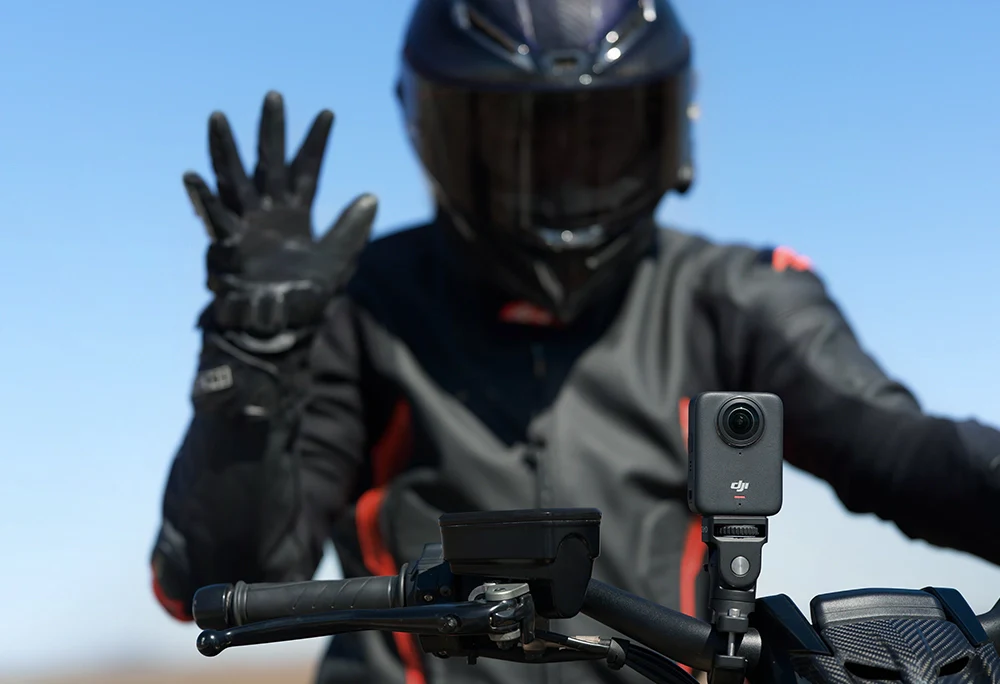
Start or stop recording with a simple palm gesture—even in five-finger gloves, Osmo 360 responds instantly. Prefer extra peace of mind? Set gestures to only start recording, so you never miss a moment by accident. Voice control is also supported, letting you go hands-free and stay focused on your shot.

Bluetooth Headset Audio
Pair Osmo 360 with Bluetooth headsets like SENA or VIMOTO for seamless wireless audio capture and hands-free voice control on the road.

Sports Dashboard
Cycling/motorcycling data recorded with Apple Watch, Garmin devices, or other third-party FIT files can be added to your footage in a dashboard format, showcasing your professional edge.
SnapShot: Capture Instantly
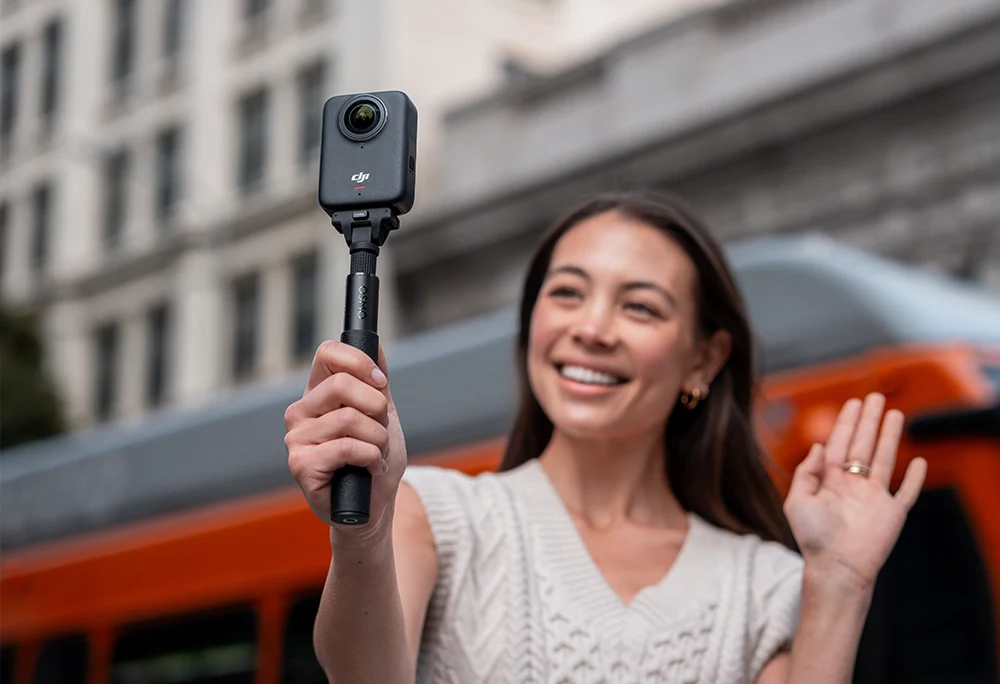
With SnapShot, you can start recording instantly with a single press. Effortlessly switch between 360° and flat video modes to capture every exciting moment, just the way you want.
Fast Charging
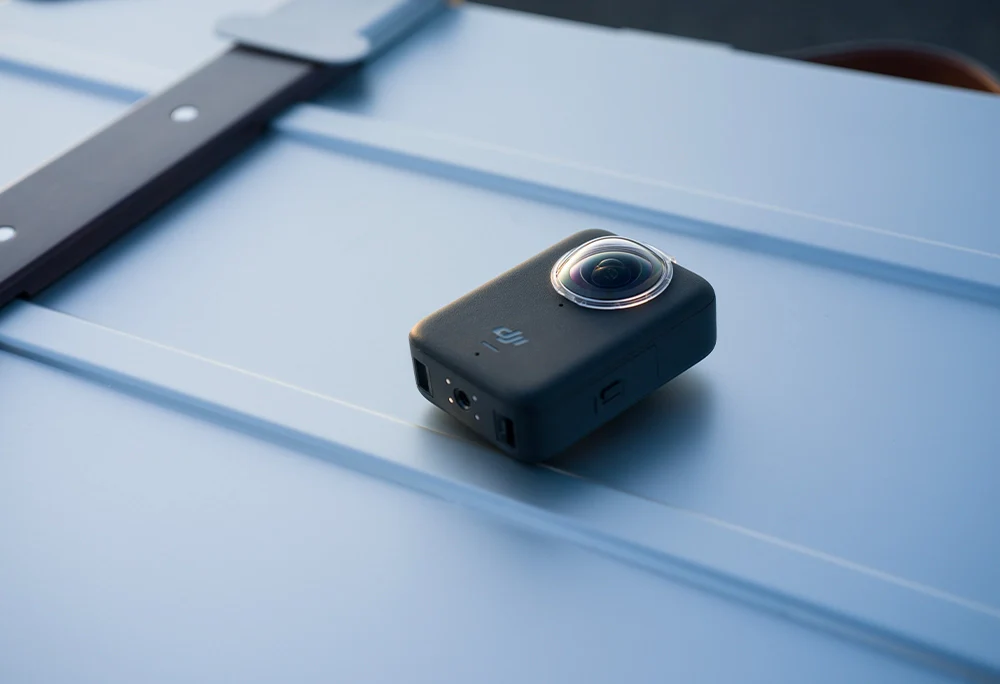
Osmo 360 gets you back in action fast—just 12 minutes of charging gives you 50% power, so you're always ready when inspiration strikes.
Specifications
Dimensions
61×36.3×81 mm (L×W×H)
Weight
183 g
Waterproof
Osmo 360 (camera body only) can be used at depths of up to 10 meters underwater.
Before use, please ensure the battery compartment cover and USB-C port cover are securely closed. It is not recommended to use the camera body only for long-term underwater shooting or in environments with high water impact pressure. Osmo 360 has an IP68 waterproof rating. Do not use the camera in hot springs or extreme underwater environments, or let it come into contact with corrosive or unknown liquids. The camera alone is waterproof to a depth of 10 meters, but due to the convex fisheye lens design, underwater light refraction may cause image distortion and stitching errors. Therefore, it is not recommended to bring the camera body only for underwater shooting.
Number of Microphones
4
Touchscreens
Size: 2.0 inches
Resolution: 314×556
Brightness: 800 cd/㎡
Built-in Storage Capacity
128GB built-in storage (105GB available); expandable via microSD card.
Supported SD Cards
microSD (up to 1 TB)
Recommended microSD Cards
Recommended Models:
Kingston CANVAS Go! Plus 64GB U3 A2 V30 microSDXC
Kingston CANVAS Go! Plus 128GB U3 A2 V30 microSDXC
Kingston CANVAS Go! Plus 256GB U3 A2 V30 microSDXC
Kingston CANVAS Go! Plus 512GB U3 A2 V30 microSDXC
Kingston CANVAS Go! Plus 1TB U3 A2 V30 microSDXC
Lexar SILVER PLUS 64GB U3 A2 V30 microSDXC
Lexar SILVER PLUS 128GB U3 A2 V30 microSDXC
Lexar SILVER PLUS 256GB U3 A2 V30 microSDXC
Lexar SILVER PLUS 512GB U3 A2 V30 microSDXC
Lexar SILVER PLUS 1TB U3 A2 V30 microSDXC
Sensor
1/1.1-inch CMOS
Aperture
f/1.9
ISO Range
100-51200
Electronic Shutter Speed
Photo: 1/8000-30 s
Video: 1/8000s to the limit of frames per second
Max Photo Resolution
Panoramic Photo:
2:1, 15520 × 7760 (120 MP)
Single-Lens Photo:
4:3, 6400 × 4800 (30.72 MP)
Panoramic Video
8K: 7680 × 3840@24/25/30/48/50fps
6K: 6000 × 3000@24/25/30/48/50/60fps
4K: 3840 ×1920@100fps
SuperNight
8K: 7680 × 3840@24/25/30fps
6K: 6000 × 3000@24/25/30fps
Panorama - Selfie mode
4K: 3840 × 3840@25/30/50/60fps
3K: 3000 × 3000@25/30/50/60/100/120fps
2K: 1920 × 1920@100/120/240fps
Panorama - Timelapse
Hyperlapse
8K@25/30fps: Auto/× 2/× 5/× 10/× 15/× 30
Timelapse
8K@25/30fps
Intervals: 0.5/1/2/3/4/5/6/8/10/15/20/25/30/40s, 1/2/5/30/60 mins
Duration: 5/10/20/30 mins, 1/2/3/5 hours, ∞
Panorama - Vortex
6K: 6000 × 1500@100/120fps
4K: 3840 × 960@240fps
Single Lens - Video
5K (4:3): 5120 × 3840@25/30fps
5K (16:9): 5120 × 2880@25/30/50/60fps
4K (4:3): 3840 × 2880@25/30/50/60fps
4K (16:9): 3840 × 2160@25/30/50/60fps
2.7K (4:3): 2688 × 2016@25/30/50/60fps
2.7K (16:9): 2688 × 1512@25/30/50/60fps
Single Lens - Ultra Wide-Angle Video
4K (4:3): 3840 × 2880@25/30/50/60/100/120fps
4K (16:9): 3840 × 2160@25/30/50/60/100/120fps
2.7K (4:3): 2688 × 2016@25/30/50/60/100/120fps
2.7K (16:9): 2688 × 1512@25/30/50/60/100/120fps
Stabilization
EIS:
RockSteady 3.0
HorizonSteady
In Panoramic Video mode, you can choose Stabilization mode when exporting via DJI Mimo app. In Single-Lens mode, HorizonSteady is only supported for regular flat videos with a standard field of view (16:9, distortion-corrected) at frame rates up to 60fps.
Pre-Rec
Pre-Recording Duration: 5/10/15/30 s, 1/2/5 mins
Max Video Bitrate
170 Mbps
Supported File System
exFAT
Photo Format
JPEG
Video Format
OSV, MP4 (HEVC)
Audio Recording
48 kHz 16-bit; AAC
Minimum Stitching Distance
≥75 cm
Type
Li-ion 1S
Capacity
1950 mAh
Energy
7.5 Wh
Voltage
3.87 V
Operating Temperature
-20° to 45° C (-4° to 113° F)
Charging Temperature
5° to 40° C (41° to 104° F)
Operating Time
Supports up to 100 minutes of 8K/30fps panoramic video recording*
Supports up to 190 minutes of 6K/24fps panoramic video recording**
* Tested under laboratory conditions at 25℃ with Wi-Fi, Gesture Control, Voice Control, and Editing Assistant turned Off, while recording 8K/30fps panoramic videos with the screen off. Data was collected in a controlled environment and should be taken as reference only. In the EU and UK, due to local regulations on operating temperature, the actual battery life of Osmo 360 may differ from the data shown on this page. Please refer to your actual experience.
** Measured under laboratory conditions at 25° C (77° F), while recording 6K/24fps panoramic video, with Endurance mode on, Wi-Fi off, Gesture Control off, Voice Control off, Editing Assistant off, and the screen off. Data was collected in a controlled environment and should be taken as reference only.
Wi-Fi Operating Frequency
2.400-2.4835 GHz
5.150-5.250 GHz
5.725-5.850 GHz
Wi-Fi Protocol
Wi-Fi 6.0
802.11 a/b/g/n/ac/ax
Wi-Fi Transmitter Power (EIRP)
2.4 GHz: < 23 dBm (FCC), < 20 dBm (CE/SRRC/MIC)
5.1 GHz: < 23 dBm (FCC/CE/SRRC/MIC)
5.8 GHz: < 23 dBm (FCC/SRRC), < 14 dBm (CE)
Bluetooth Operating Frequency
2.400-2.4835 GHz
Bluetooth Transmitter Power (EIRP)
< 13 dBm
Bluetooth Protocol
BLE 5.1
What's Included
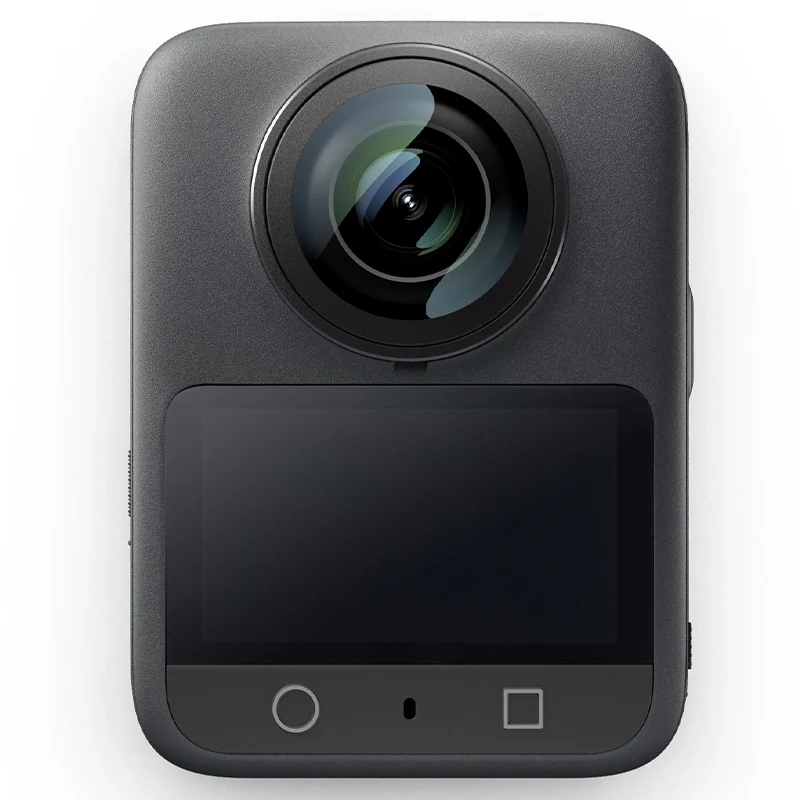
Osmo 360
x 1

Osmo Action Extreme Battery Plus (1950 mAh)
x 1
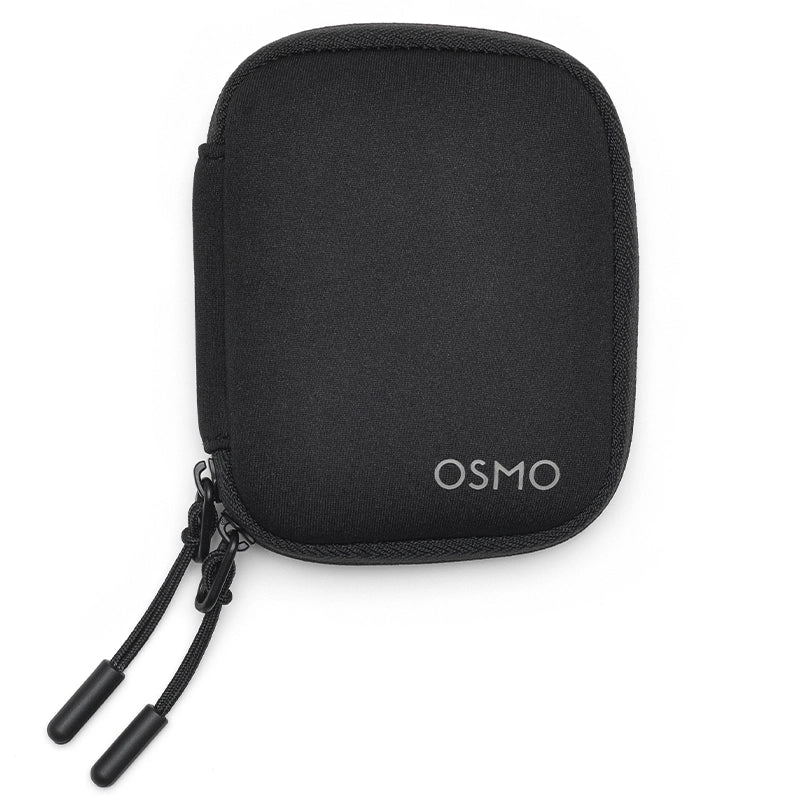
Osmo 360 Camera Protective Pouch
x 1
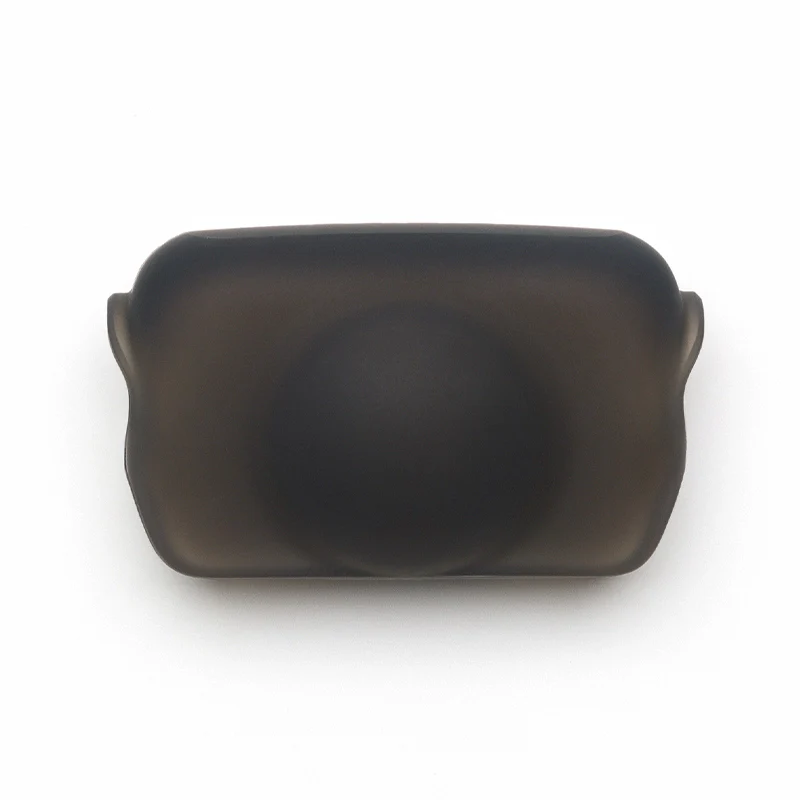
Osmo 360 Rubber Lens Protector
x 1

Osmo Lens Cleaning Cloth
x 1
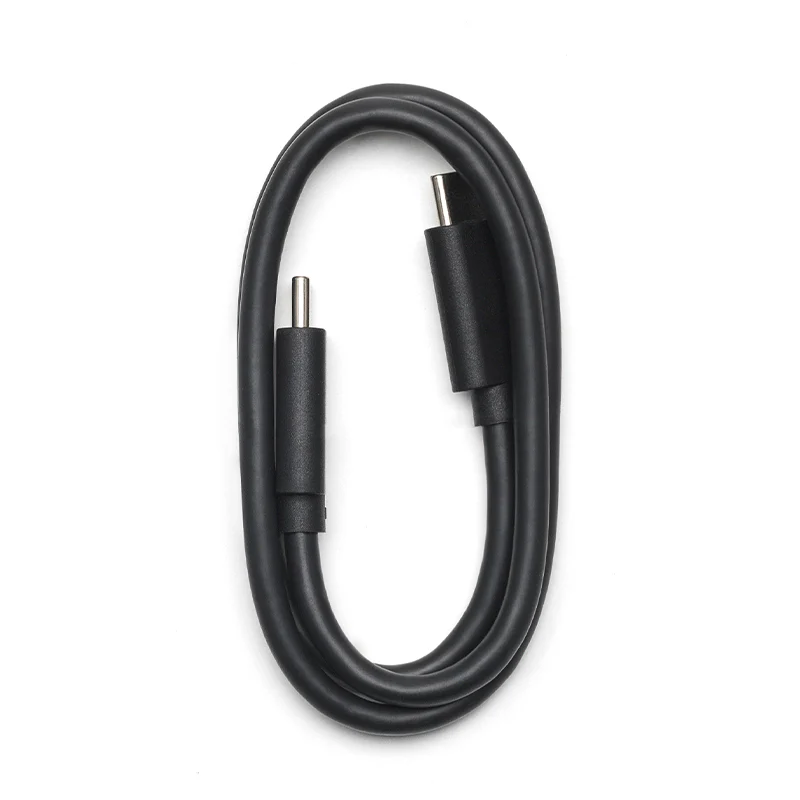
USB-C to USB-C PD Cable (USB 3.1)
x 1
1. Osmo 360 is equipped with a new-generation 1/1.1-inch square CMOS sensor. The square design enables the camera to deliver panoramic coverage equivalent to that of a 1-inch sensor.
2. High-brightness OLED touchscreen for clearer display and more convenient operation.
3. Wi-Fi 6.0 and USB 3.1 for fast data transfer.
4. 128GB built-in storage (105GB available); expandable via microSD card.
5. Battery life supports up to 100 minutes of 8K/30fps panoramic video recording*.
6. Battery life supports up to 190 minutes of 6K/24fps panoramic video recording**.
* Tested under laboratory conditions at 25℃ with Wi-Fi, Gesture Control, Voice Control, and Editing Assistant turned Off, while recording 8K/30fps panoramic videos with the screen off. Data was collected in a controlled environment and should be taken as reference only. In the EU and UK, due to local regulations on operating temperature, the actual battery life of Osmo 360 may differ from the data shown on this page. Please refer to your actual experience.
** Measured under laboratory conditions at 25° C (77° F), while recording 6K/24fps panoramic video, with Endurance mode on, Wi-Fi off, Gesture Control off, Voice Control off, Editing Assistant off, and the screen off. Data was collected in a controlled environment and should be taken as reference only.
2. High-brightness OLED touchscreen for clearer display and more convenient operation.
3. Wi-Fi 6.0 and USB 3.1 for fast data transfer.
4. 128GB built-in storage (105GB available); expandable via microSD card.
5. Battery life supports up to 100 minutes of 8K/30fps panoramic video recording*.
6. Battery life supports up to 190 minutes of 6K/24fps panoramic video recording**.
* Tested under laboratory conditions at 25℃ with Wi-Fi, Gesture Control, Voice Control, and Editing Assistant turned Off, while recording 8K/30fps panoramic videos with the screen off. Data was collected in a controlled environment and should be taken as reference only. In the EU and UK, due to local regulations on operating temperature, the actual battery life of Osmo 360 may differ from the data shown on this page. Please refer to your actual experience.
** Measured under laboratory conditions at 25° C (77° F), while recording 6K/24fps panoramic video, with Endurance mode on, Wi-Fi off, Gesture Control off, Voice Control off, Editing Assistant off, and the screen off. Data was collected in a controlled environment and should be taken as reference only.
The surfaces of Osmo 360's dual fisheye lenses are treated with multi-layer coatings and hardening processes, ensuring outstanding image quality along with enhanced scratch and abrasion resistance to withstand minor impacts and scratches in daily use. However, as camera lenses are high-precision and delicate components, careful handling and protection are still recommended.
When storing the camera, please use the Rubber Lens Protector or place the camera in a protective pouch to prevent the lens surface from being scratched by hard objects such as keys or sand. Before use, please check the inside of the Rubber Lens Protector or pouch for any foreign objects, to prevent sand or other hard objects from adhering to the interior and causing lens scratches.
Before shooting, please remove the Rubber Lens Protector or camera pouch and clean the lens surface to ensure it is free of fingerprints, oil stains, or other smudges that may affect image quality.
For shooting in complex environments where lenses may be exposed to bumps or impacts, it is recommended to use the Osmo 360 Transparent Lens Protectors* for enhanced protection.
* Osmo 360 Transparent Lens Protectors are sold separately.
When storing the camera, please use the Rubber Lens Protector or place the camera in a protective pouch to prevent the lens surface from being scratched by hard objects such as keys or sand. Before use, please check the inside of the Rubber Lens Protector or pouch for any foreign objects, to prevent sand or other hard objects from adhering to the interior and causing lens scratches.
Before shooting, please remove the Rubber Lens Protector or camera pouch and clean the lens surface to ensure it is free of fingerprints, oil stains, or other smudges that may affect image quality.
For shooting in complex environments where lenses may be exposed to bumps or impacts, it is recommended to use the Osmo 360 Transparent Lens Protectors* for enhanced protection.
* Osmo 360 Transparent Lens Protectors are sold separately.
Supports the following resolutions:
Panoramic Video:
8K: 7680 × 3840@24/25/30/48/50fps
6K: 6000 × 3000@24/25/30/48/50/60fps
4K: 3840 ×1920@100fps
Single Lens - Video:
5K (4:3): 5120 × 3840@25/30fps
5K (16:9): 5120 × 2880@25/30/50/60fps
4K (4:3): 3840 × 2880@25/30/50/60fps
4K (16:9): 3840 × 2160@25/30/50/60fps
2.7K (4:3): 2688 × 2016@25/30/50/60fps
2.7K (16:9): 2688 × 1512@25/30/50/60fps
Single Lens - Ultra Wide-Angle Video:
4K (4:3): 3840 × 2880@25/30/50/60/100/120fps
4K (16:9): 3840 × 2160@25/30/50/60/100/120fps
2.7K (4:3): 2688 × 2016@25/30/50/60/100/120fps
2.7K (16:9): 2688 × 1512@25/30/50/60/100/120fps
SuperNight Mode:
8K: 7680 × 3840@24/25/30fps
6K: 6000 × 3000@24/25/30fps
Panoramic Video:
8K: 7680 × 3840@24/25/30/48/50fps
6K: 6000 × 3000@24/25/30/48/50/60fps
4K: 3840 ×1920@100fps
Single Lens - Video:
5K (4:3): 5120 × 3840@25/30fps
5K (16:9): 5120 × 2880@25/30/50/60fps
4K (4:3): 3840 × 2880@25/30/50/60fps
4K (16:9): 3840 × 2160@25/30/50/60fps
2.7K (4:3): 2688 × 2016@25/30/50/60fps
2.7K (16:9): 2688 × 1512@25/30/50/60fps
Single Lens - Ultra Wide-Angle Video:
4K (4:3): 3840 × 2880@25/30/50/60/100/120fps
4K (16:9): 3840 × 2160@25/30/50/60/100/120fps
2.7K (4:3): 2688 × 2016@25/30/50/60/100/120fps
2.7K (16:9): 2688 × 1512@25/30/50/60/100/120fps
SuperNight Mode:
8K: 7680 × 3840@24/25/30fps
6K: 6000 × 3000@24/25/30fps
Osmo 360 is equipped with two fisheye lenses, both capable of capturing images with over 180° field of view. During shooting, the camera uses algorithms to stitch together images captured by two lenses and utilizes their overlapping area to ""erase"" the selfie stick at the bottom of the camera. As a result, the selfie stick does not appear in the final photos or videos, achieving the "invisible selfie stick" effect.
For the best invisible effect, it is recommended to use the official DJI Invisible Selfie Stick*. When mounting the Invisible Selfie Stick, make sure that the camera and the selfie stick are aligned in a straight line to ensure the algorithm functions properly.
If you use an adjustable quick-release adapter to position the camera at an angle to the selfie stick, or use other mounting methods that cause the camera and selfie stick to be misaligned, or if the connection point between the selfie stick and the camera is noticeably offset from the camera's front-rear plane, this feature may not work as intended.
* The Invisible Selfie Stick is sold separately."
For optimal panoramic stitching effect, it is recommended to keep Osmo 360 at least 0.75 m away from the subject. If the distance is too close, the images captured by the left and right lenses may differ significantly, which may result in unnatural stitching or anomalies. As long as the distance is greater than the safe minimum, the camera will automatically produce smooth and natural stitching results.
OSV for panoramic videos and MP4 (HEVC) for flat videos.
Yes. Osmo 360 allows you to switch between lenses during single-lens recording without interruptions. This feature supports recording specifications up to and including 60fps.
Yes. In Panoramic Video mode, it supports up to 4K/100fps 4x slow-motion panoramic videos, and in Single-Lens mode, it supports up to 4K/120fps 4x slow-motion flat videos.
D-Log M is a color mode that provides users with greater flexibility for color grading in post-production. By increasing the brightness of shadow areas and suppressing highlights, it preserves more image details. When shooting with D-Log M, the footage will have reduced saturation and contrast, but it retains more color and brightness information, making it easier to create different video styles during post-processing.
There are three options available:
1. Connect to the DJI Mimo App and download content from the microSD card and built-in storage to your smartphone.
2. Use a card reader to export content from the microSD card to your computer or smartphone.
3. Swipe down from the camera view, tap the Settings icon, and select USB Mode. Follow the on-screen prompts to connect the camera to a computer or smartphone with a USB-C port using a USB-C cable. You can then export content from the microSD card and built-in storage.
1. Connect to the DJI Mimo App and download content from the microSD card and built-in storage to your smartphone.
2. Use a card reader to export content from the microSD card to your computer or smartphone.
3. Swipe down from the camera view, tap the Settings icon, and select USB Mode. Follow the on-screen prompts to connect the camera to a computer or smartphone with a USB-C port using a USB-C cable. You can then export content from the microSD card and built-in storage.
Related Products


Total Amount
৳
Buy Accessories
Tap any product to add it to cart.
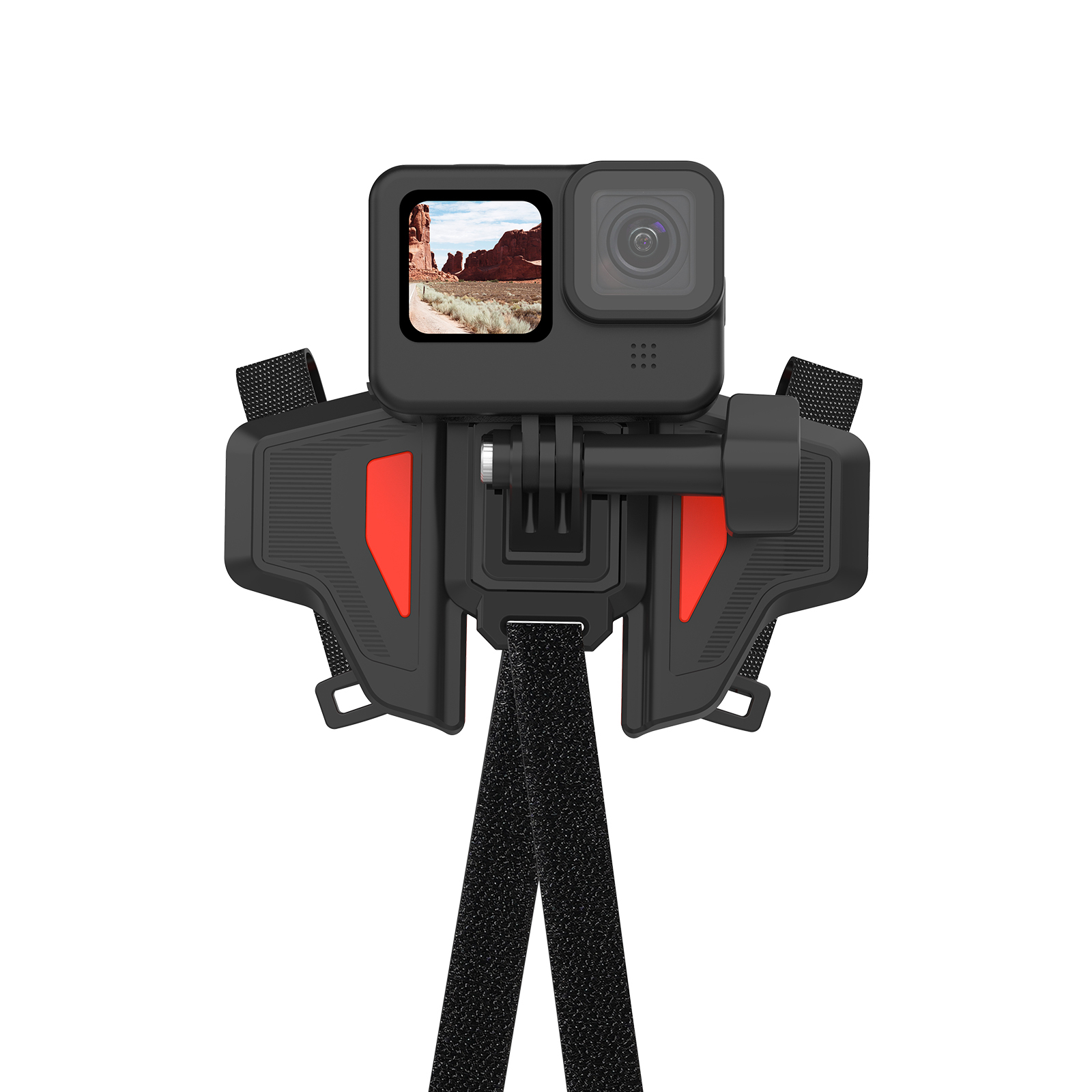
Telesin Motorcycle Helmet Chin Mount (GP-HBM-MT2)
৳1,500
৳1,800
Save ৳ 300

TELESIN selfie stick for action cameras and cellphones (with built-in 5,000mAh battery cell)
৳4,200
৳5,000
Save ৳ 800
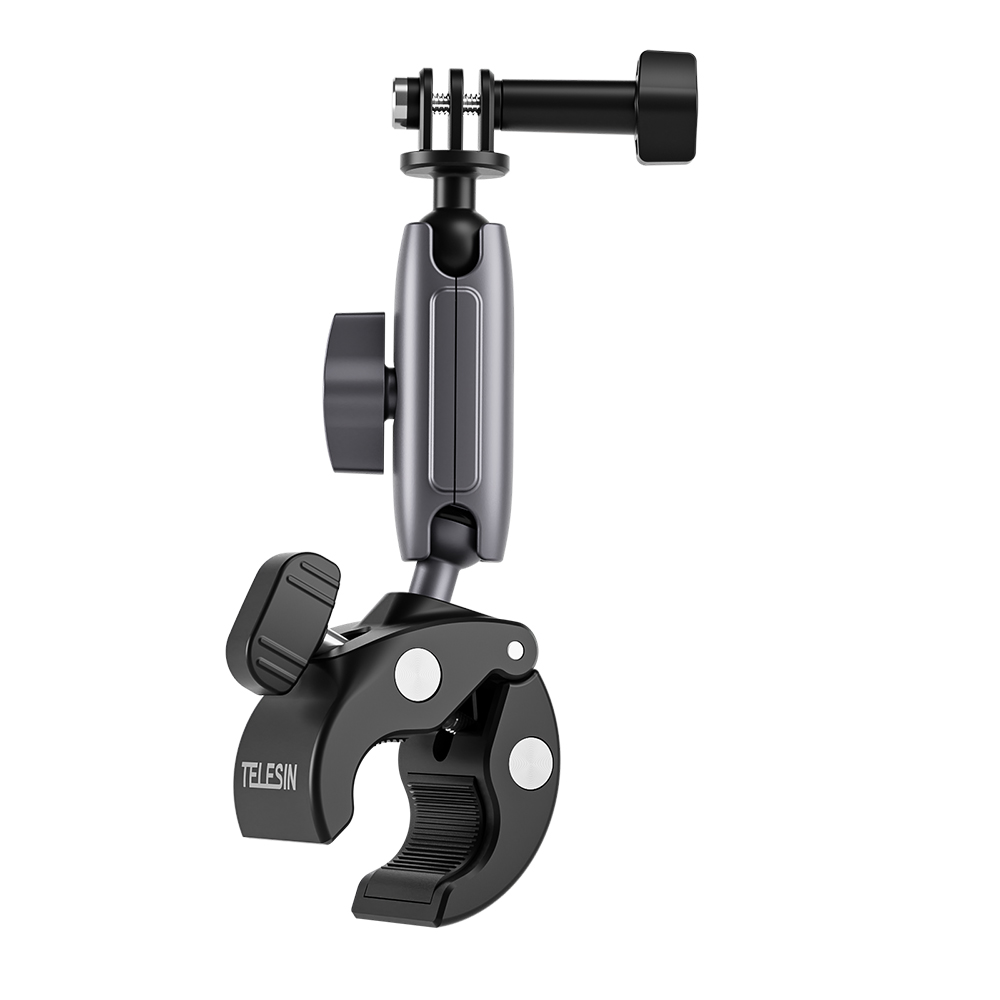
Telesin Universal Tube Clamp for action cameras (Aluminum body)
৳2,600
৳3,500
Save ৳ 900
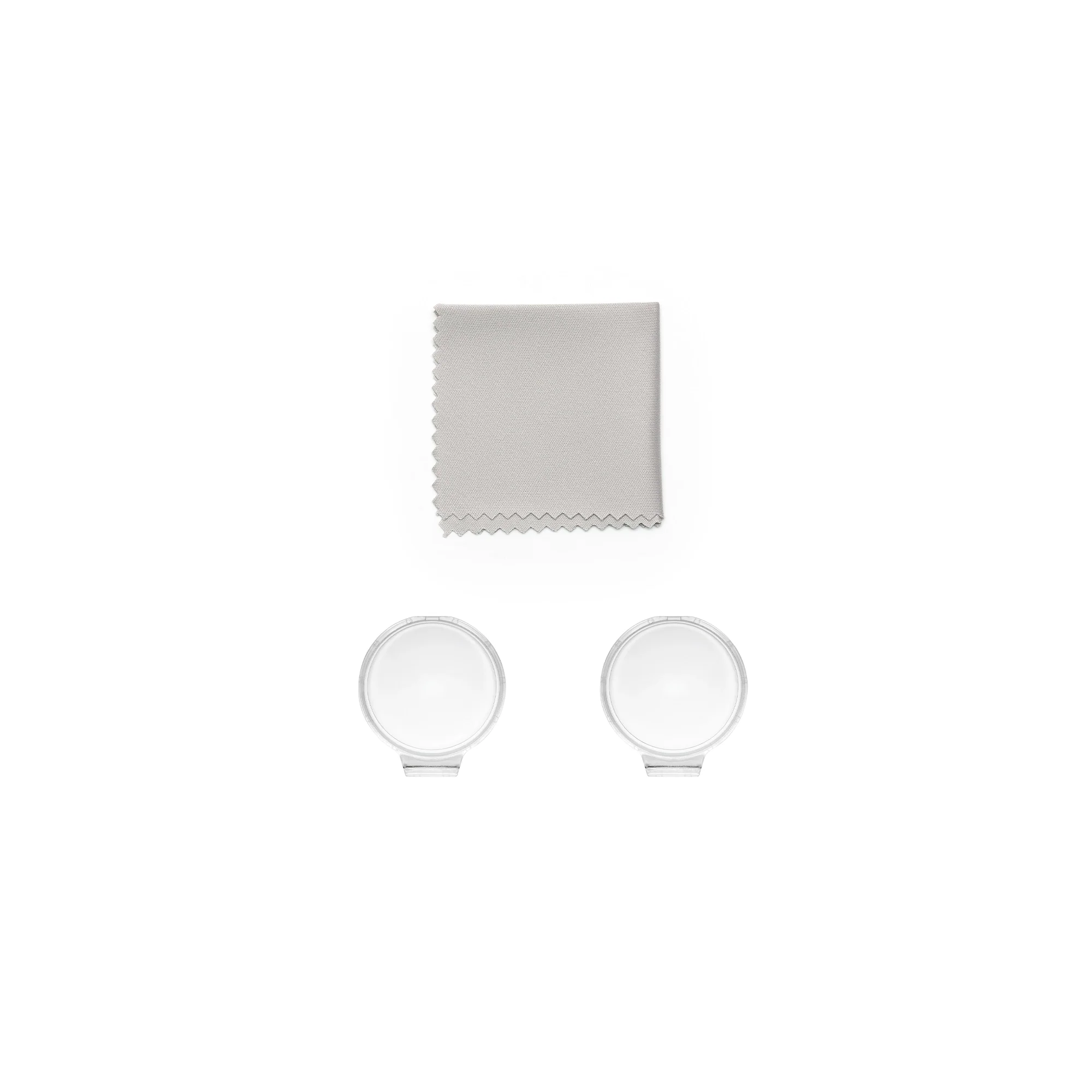
DJI Osmo 360 Transparent Lens Protector
৳1,900
৳2,600
Save ৳ 700

DJI OSMO 360 Metal cage
৳3,200
৳3,700
Save ৳ 500
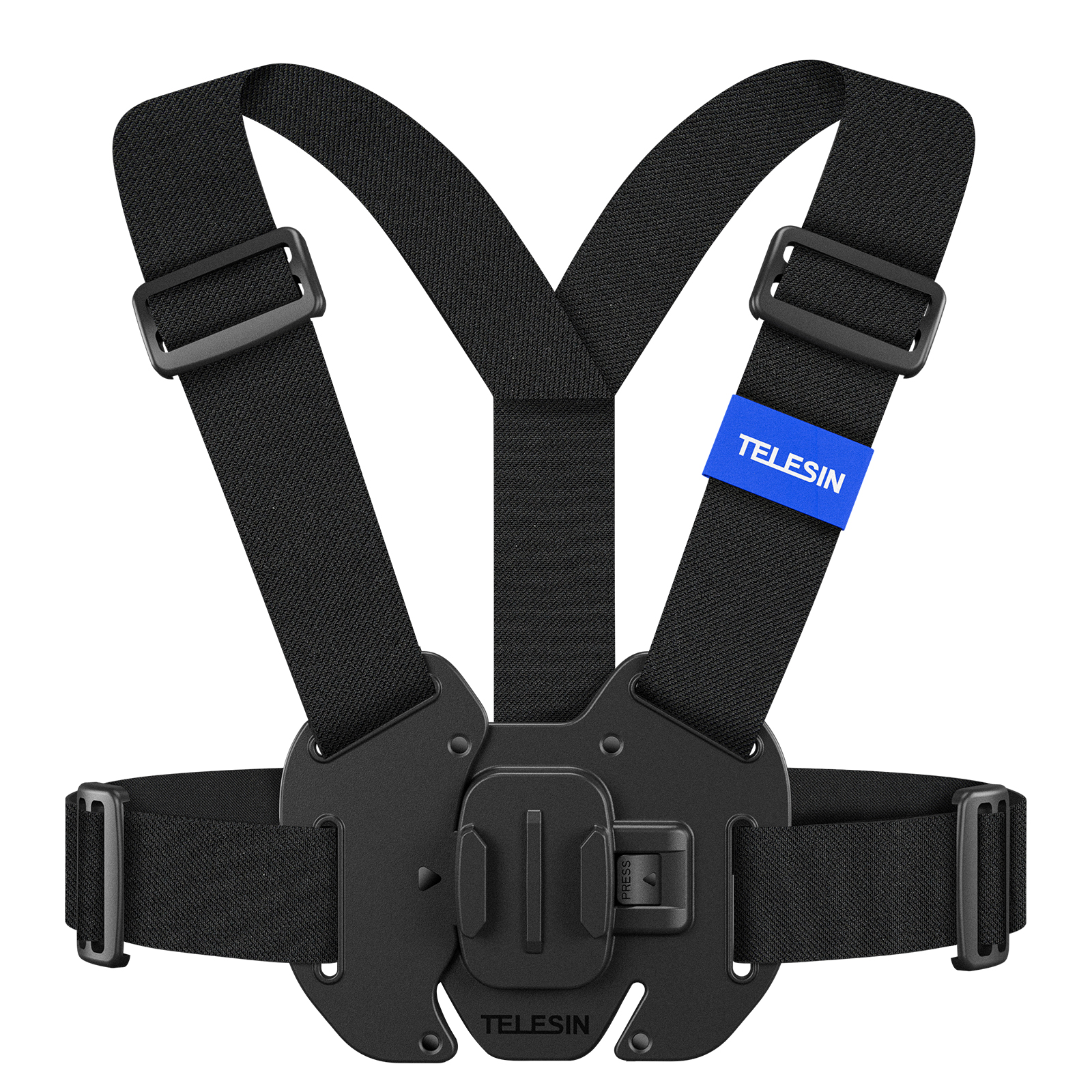
TELESIN chest strap mount
৳1,800
৳2,000
Save ৳ 200
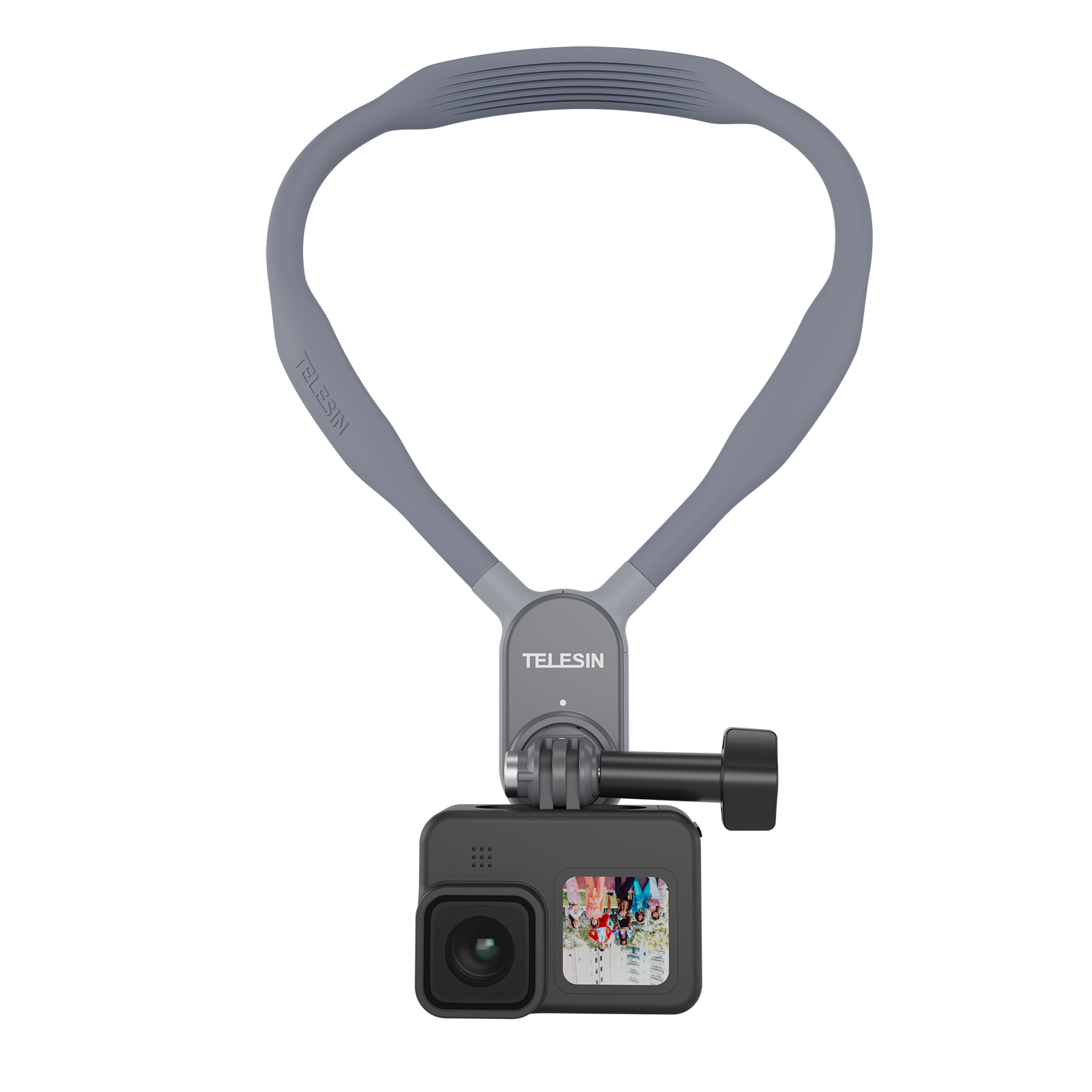
Telesin Large size neck holder mount for action camera
৳1,900
৳2,500
Save ৳ 600

DJI Osmo 360 Glass Protector
৳1,100
৳1,500
Save ৳ 400
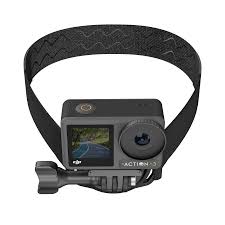
STARTRC Magnetic Mount Head strap for Action Camera
৳1,200
৳1,500
Save ৳ 300